Coding in 2025: Did AI Build My Portfolio? A Case Study of pawel.lipowczan.pl

I keep hearing that programming is dead. That all you need to do is "vibe code" an app in one of the new no-code tools and AI will handle the rest. I decided to put that to the test on a live project.
I built pawel.lipowczan.pl -- a project that was supposed to be a business card but turned into a testing ground for collaboration between an Experienced Engineer and an AI Agent.
The verdict? If you think you can build a professional, secure, and scalable service without technical knowledge, just by "chatting" with a chatbot -- you're wrong. But if you have engineering fundamentals and treat AI as a junior developer on steroids, the results (and the costs) might surprise you.
Here's a behind-the-scenes look at building my portfolio with a React + Vite + Tailwind stack.

1. The Foundation: Modern Stack and SEO in the SPA World
My goal was simple: go beyond a static CV. I wanted aesthetics, performance, and a place to share knowledge. The choice fell on React 18 + Vite.
Why? Because Vite delivers blazing-fast builds. However, React typically means a Single Page Application (SPA), which can be problematic for SEO. This is where engineering comes in. I implemented a prerendering mechanism. Even though React and Tailwind CSS run under the hood, we serve static HTML files to search engine crawlers.
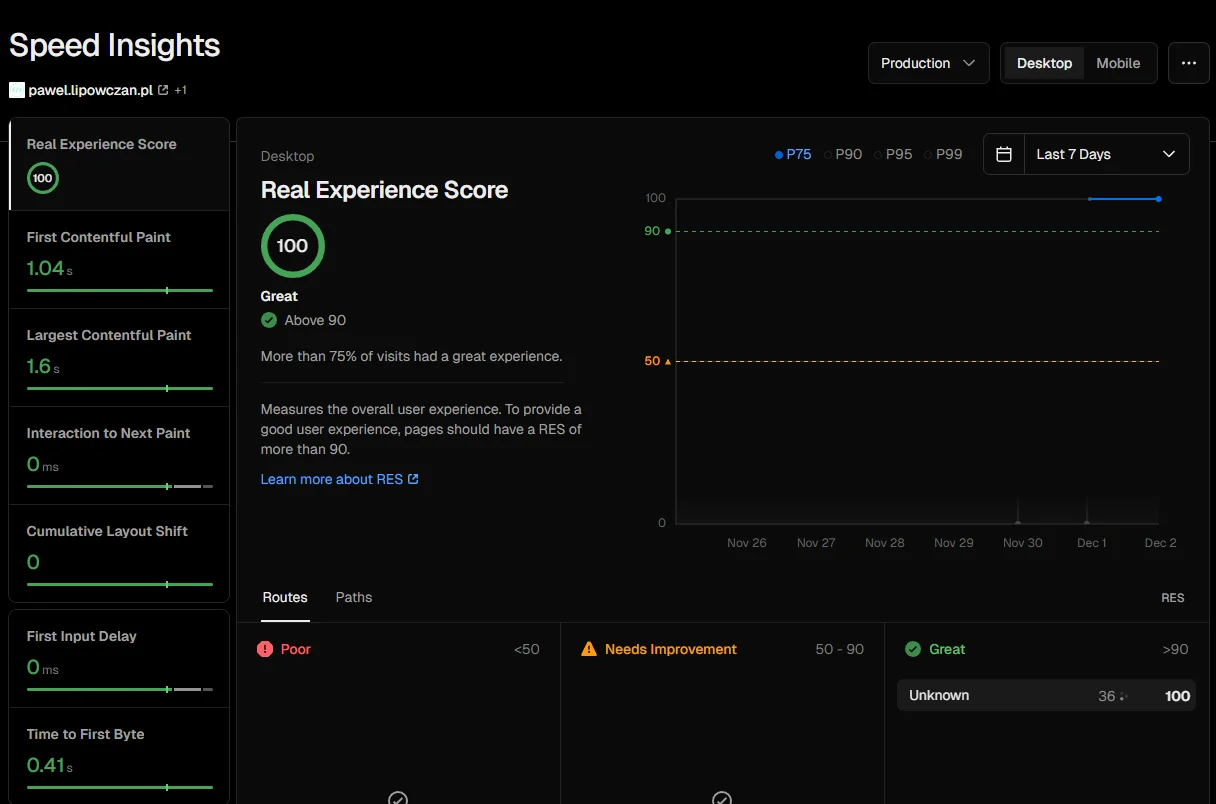
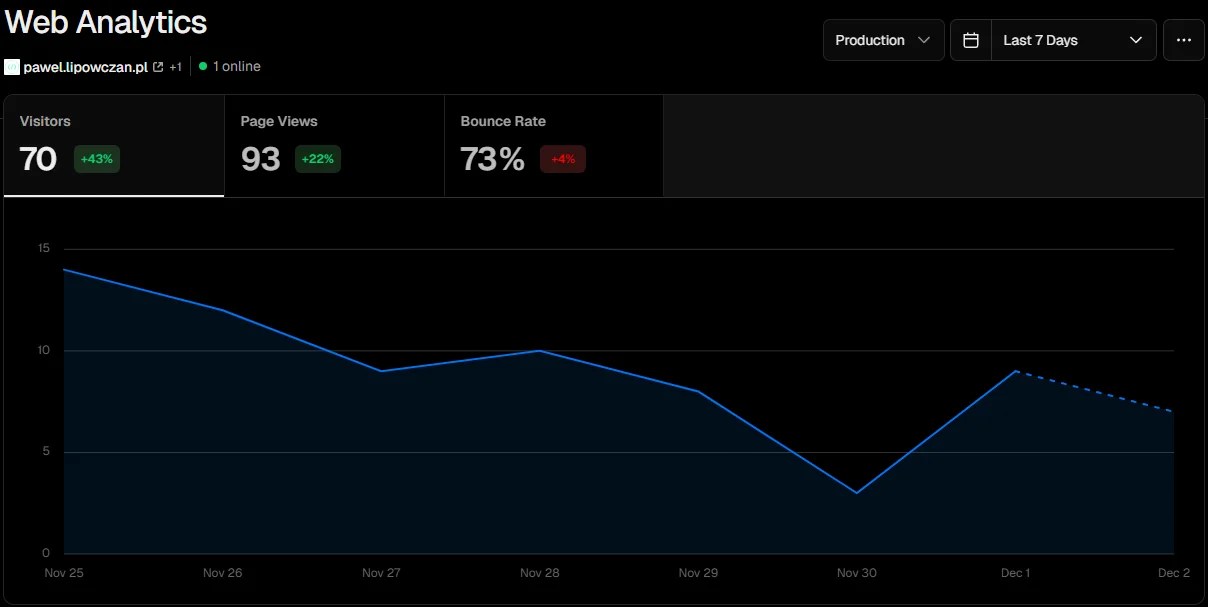
The result? The site is lightning fast, and Google sees it like a classic document. I host everything on Vercel, which turned out to be a bullseye. Built-in analytics and Core Web Vitals analysis let me hit "green scores" almost immediately after deploy.
2. Design for a Non-Designer: No More Trial-and-Error "Bells and Whistles"
Let's be honest: I'm not a designer. I've always struggled with choosing color palettes, laying out elements, and animations. In a traditional workflow, I would have spent hours pushing pixels in CSS.
That problem disappeared here. I could show AI examples of sites I liked, and the agent adapted that style to my project. Instead of experimenting with CSS code, I pointed to spots that needed fixing in the IDE, and AI corrected the layout in seconds.
Lovable vs. IDE I experimented with various "vibe coding" tools, including Lovable, Vercel, and Firebase Studio. Lovable produced great visual results, but I ultimately chose to generate code directly in the IDE (Cursor). Why? Because I wanted full control and a modern, clean end result that's "my" code, not a closed black box.
3. Graphics: Consistency Over Perfection
In an ideal world, every project in the portfolio would have dedicated screenshots from specific tools and processes. But preparing hundreds of such screenshots is a Herculean task.
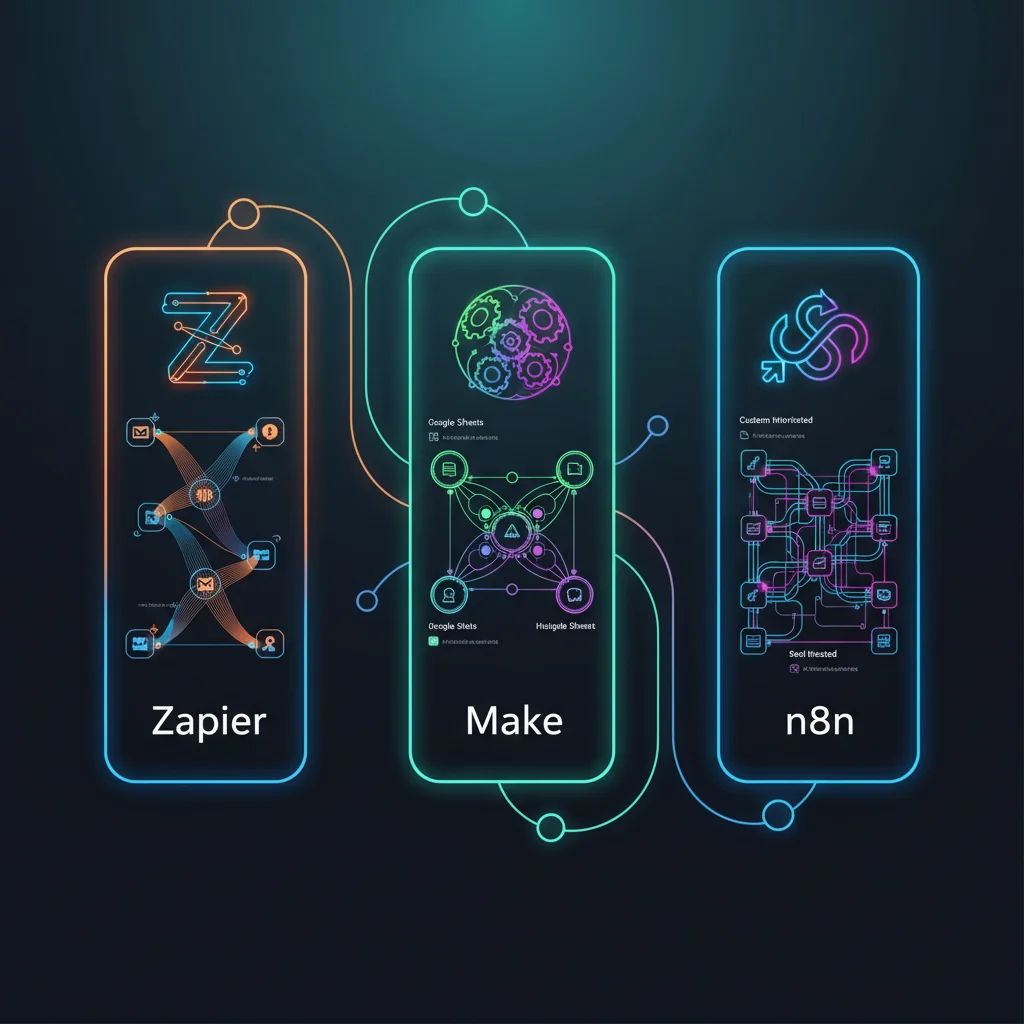
I went with the approach: Done is better than perfect. Instead of wasting time taking screenshots or hunting for stock photos, I went with generative graphics.
- I used Nano Banana MCP.
- I provide the content, the agent generates the graphic, and a script (converter) automatically converts PNG to WebP.
This way, the site is visually consistent, maintains a tech/cyber aesthetic, and I don't have to worry about "gaps" in the content.
4. Reality Check: Experience vs. New Frameworks
I have 15 years of IT experience (.NET, Python, JS), but frameworks like React and Vite were new to me. I had to learn them.
And here's the key point: Programming knowledge is essential. Thanks to my experience in system design, the code generated by AI is understandable to me. I can assess its correctness before it hits production. Without that, I would have drowned in errors.
- Agents (even Claude Sonnet 4.5 or Gemini 3 Pro) can get stuck in loops.
- There are hallucinations of non-existent libraries.
If I didn't understand the fundamentals, I wouldn't have been able to "unwind" the errors AI introduced in more complex logic.
Code Pedantry
I'm pedantic about keeping files organized (Clean Code). Clear folder structure and separation of concerns are sacred to me. AI tends to dump everything into one bucket. My role was to enforce that structure. Thanks to this, the project is easy to maintain and reorganize, rather than being "spaghetti code" spit out by a machine.
5. Insurance Policy: Tests and Code Review Agent
In a hobby project, chaos comes easily. To prevent that, I implemented two levels of safeguards:
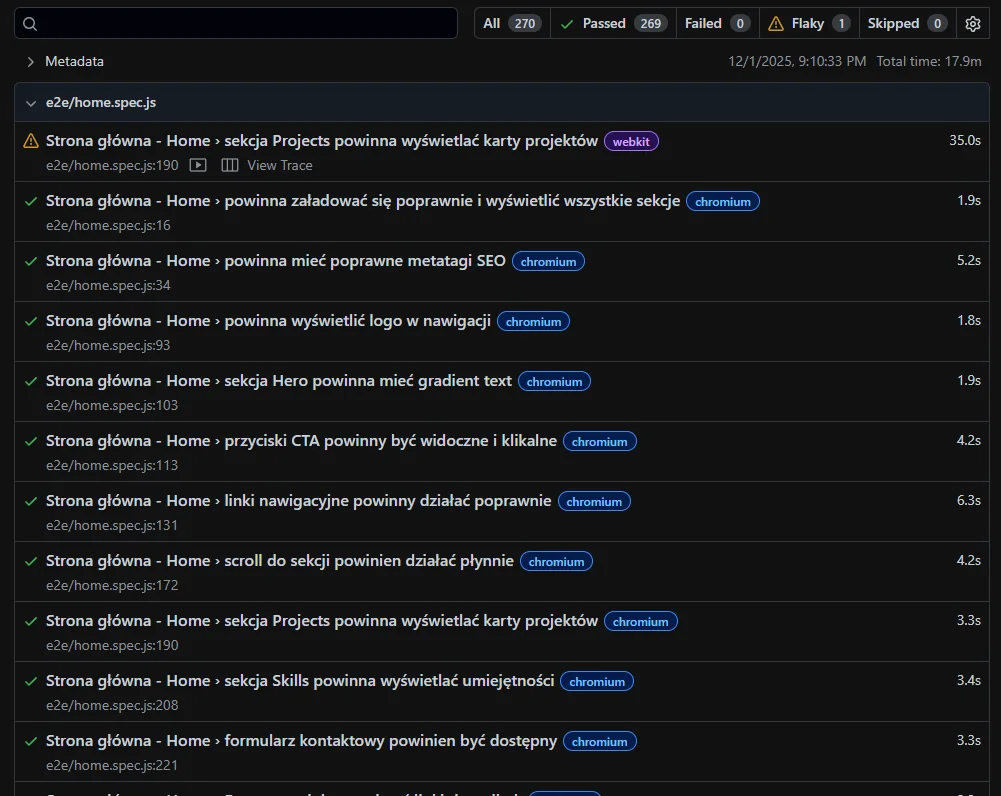
- Comprehensive E2E tests (Playwright): Every change is verified by automated tests. I'm confident that a new feature hasn't "broken" an old one.
- Code Review Agent in Cursor.sh: This is a brilliant feature. The agent analyzes changes in the last commit before pushing to the repository. It caught quite a few logical errors and potential issues that I might have overlooked.
6. Costs: How Much Does a "Free" Programmer Cost?
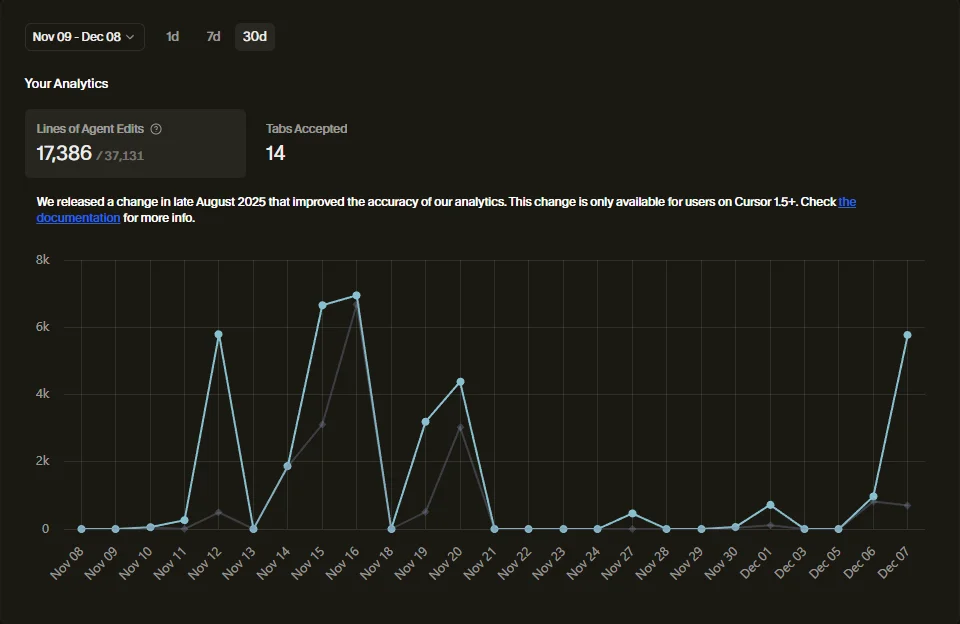
This is an interesting comparison. Throughout the entire project, I consumed about 60 million tokens. The input/output split is roughly 80/20.
If I had paid API rates (e.g., Claude Sonnet 4.5 -- $3 input / $15 output), the cost would have been about $325 USD.
Actual cost?
- PRO+ plan in Cursor.sh: $60 USD.
- Antigravity (included in Google Workspace): $0 USD (included in the company package).
The savings are enormous. Of course, there are limits -- during intense sessions, I'd occasionally see a message about exceeding them. I'd simply switch models (jumping between Gemini 3 Pro High and Claude Sonnet 4.5). Limits refresh every few hours, so with regular work it's not a blocker.
Summary
The pawel.lipowczan.pl project is proof that in 2025, the programmer's role is evolving. We're no longer syntax craftspeople -- we're becoming architects managing a team of digital agents.
You might not be a designer. You might not know the latest framework inside and out. But if you have an engineering mindset, a commitment to quality (and tests!), and the ability to orchestrate AI -- you can build things that previously would have required an entire team.
Feel free to check out the results and do a code review! Feedback is always welcome.
Need support developing a product with AI?
I can help you choose the right technology, design the architecture, and implement best practices. From MVP through scaling to optimizing development processes with AI.
Book a free consultationFAQ
Can AI replace programmers in 2025?
AI is a junior developer on steroids -- it speeds up work 10x but requires supervision from an experienced engineer. Agents can get stuck in loops, hallucinate non-existent libraries, and generate "spaghetti code" without imposed structure. Engineering fundamentals are essential for assessing code correctness and unwinding errors.
What skills do programmers need to work effectively with AI?
Knowledge of system architecture, clean code, and separation of concerns -- AI tends to dump everything into one bucket. The ability to read and assess code, even in an unfamiliar framework. Commitment to quality: E2E tests and code review before every commit. Without these fundamentals, you'll drown in errors.
How much does it cost to develop a project with AI compared to traditional programming?
A PRO+ plan in Cursor.sh is about $60/month with intensive work. For comparison: the same 60 million tokens via API would cost ~$325. The savings are enormous, but there are limits -- during intense sessions you may need to switch models or wait for renewal. Regular work can proceed without blockers.
How do you ensure the quality of AI-generated code?
Two levels of safeguards: E2E tests (Playwright) that automatically verify every change, and a code review agent that analyzes changes before commit. The agent catches logical errors and potential issues that are easy to overlook. Without tests and review, chaos in the project is inevitable.
Can a person without programming experience build a professional application with AI?
No -- a professional, secure, and scalable service requires technical knowledge. "Vibe coding" and chatting with a chatbot produce visual results but not full control over the code. AI is excellent at supporting experienced engineers but doesn't replace programming fundamentals for complex projects.